
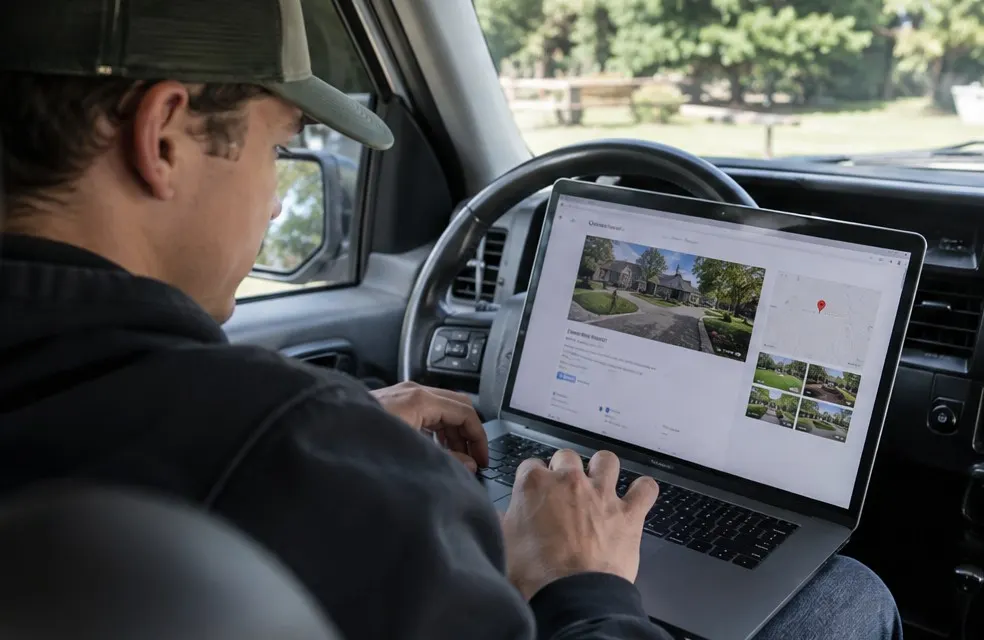
For a landscaping company, the Google Business Profile is often worth more than any ad. It is what shows on Google Maps when someone searches "landscaper near me". Here is how to set it up right.
1. Claim or create your profile
Go to google.com/business and search for your company. If it exists, claim it. If not, create it. Use your exact business name as it appears on your truck and invoices. Do not add keywords to the name; Google can suspend profiles for that.
2. Pick the right categories
Your primary category matters most. Common choices:
- Landscaper
- Lawn care service
- Landscape designer
- Tree service (if you do it)
Add secondary categories for other services you actually offer.
3. Set a service area, not a storefront
Most landscapers work at the customer's property. Hide your home address and set a service area with the cities or ZIP codes you cover. Keep it realistic; covering a huge area does not help you rank.
4. Fill in every field
- Phone number (a local number works best)
- Website (link to your homepage or a service page)
- Hours
- Services, with a short description of each
- Business description: what you do, where, and what makes you different, in plain words
5. Add real photos, every month
Upload photos of your crew, your trucks and your finished jobs. Before and after photos are great. Profiles with fresh photos tend to get more calls. Aim for a few new photos every month.
6. Get verified
Google will ask you to verify, often by video or a postcard. Do it quickly. Unverified profiles do not show up well.
7. Keep reviews coming
Reviews are one of the biggest factors for showing up in the map results. Ask after every job and reply to every review.
8. Post updates
Google lets you post updates and offers ("Spring cleanups booking now"). They do not take long and show Google the profile is active.
9. Connect it to a strong website
Google checks that your website matches your profile: same name, same phone, same services, same area. A site with a page for each service and each city backs up your profile and helps you rank for more searches.
Common mistakes
- Using a PO box or virtual office as an address
- Different phone numbers on the profile, website and Facebook
- Picking a category for something you do not do
- Leaving it alone for months
Set it up once, then spend 15 minutes a month on photos, posts and review replies. It is the cheapest marketing a landscaping company has.
Frequently asked questions
Should landscapers show their address on Google?
If customers do not visit you, hide the address and set a service area instead. That follows Google rules for service area businesses.